Flutes: learn by playing, for free
RetroX1 is a free online flute school: the recorder, the fifes of Northeast Brazil and the fipple fifes, with the fingering on every note, practice with the microphone, sheet music and letter notes — and the 3D flutes, designed for 3D printers.
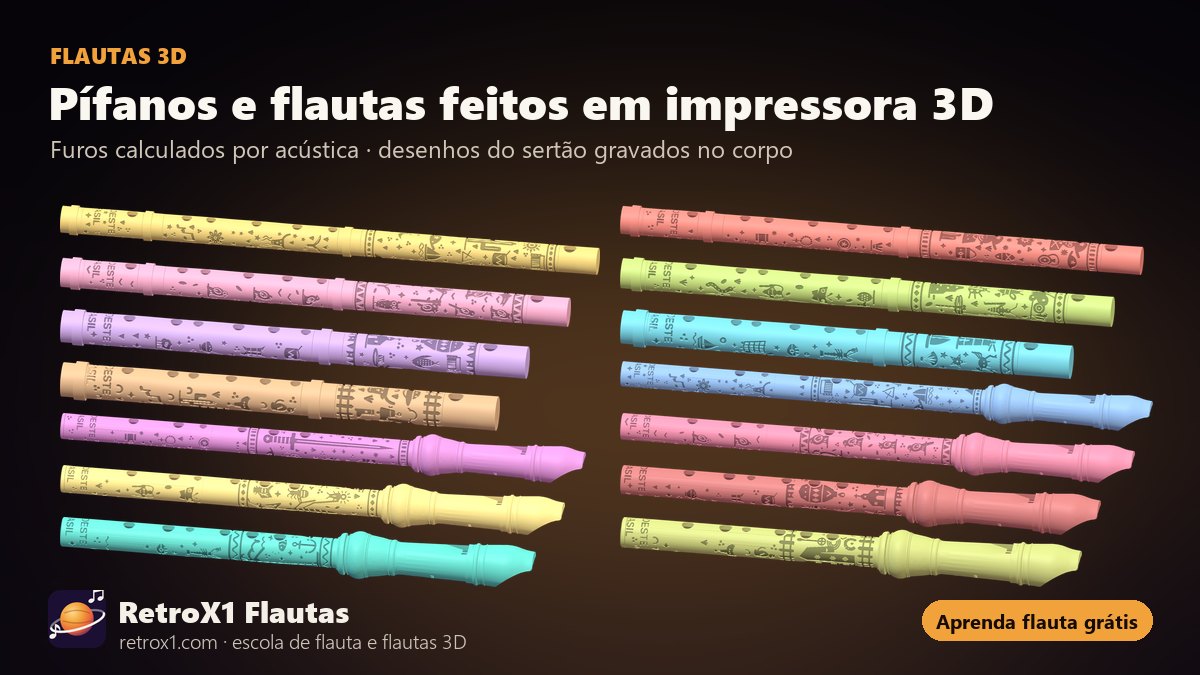
Pick your flute
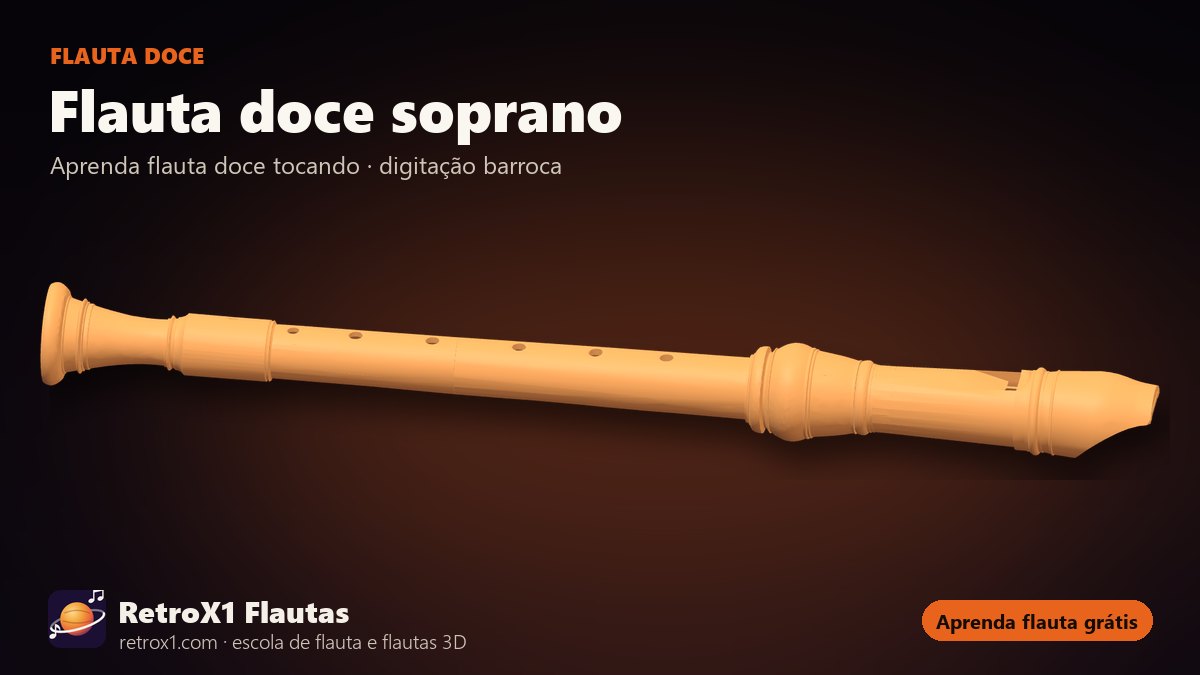
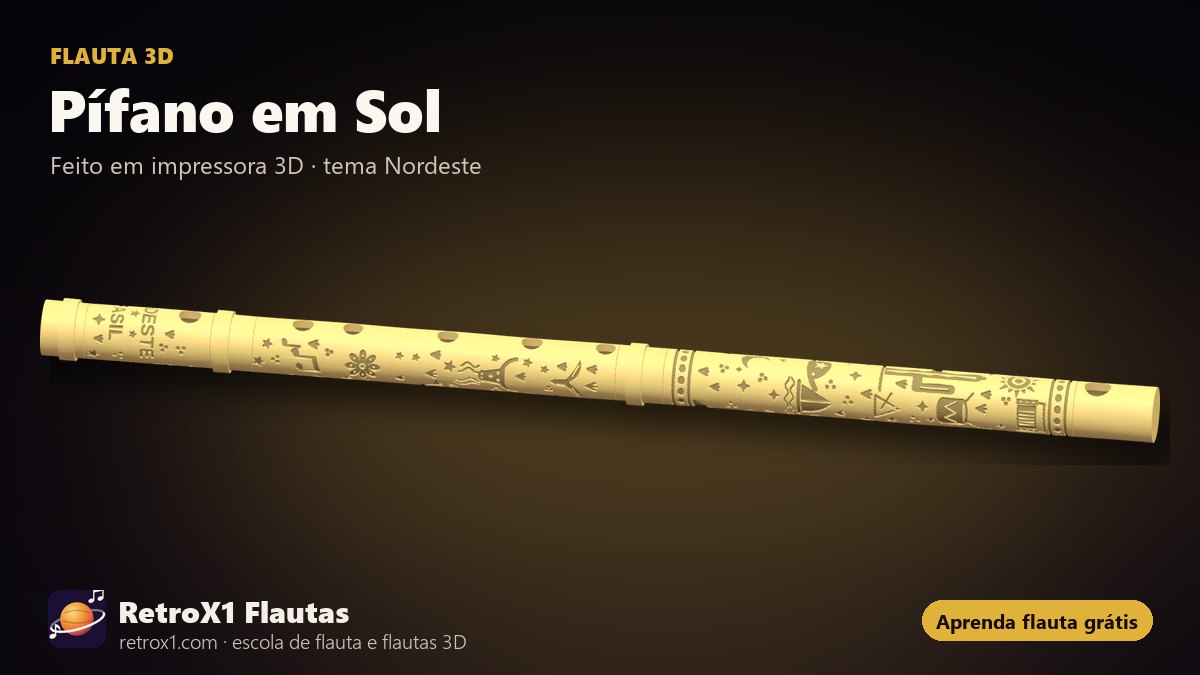
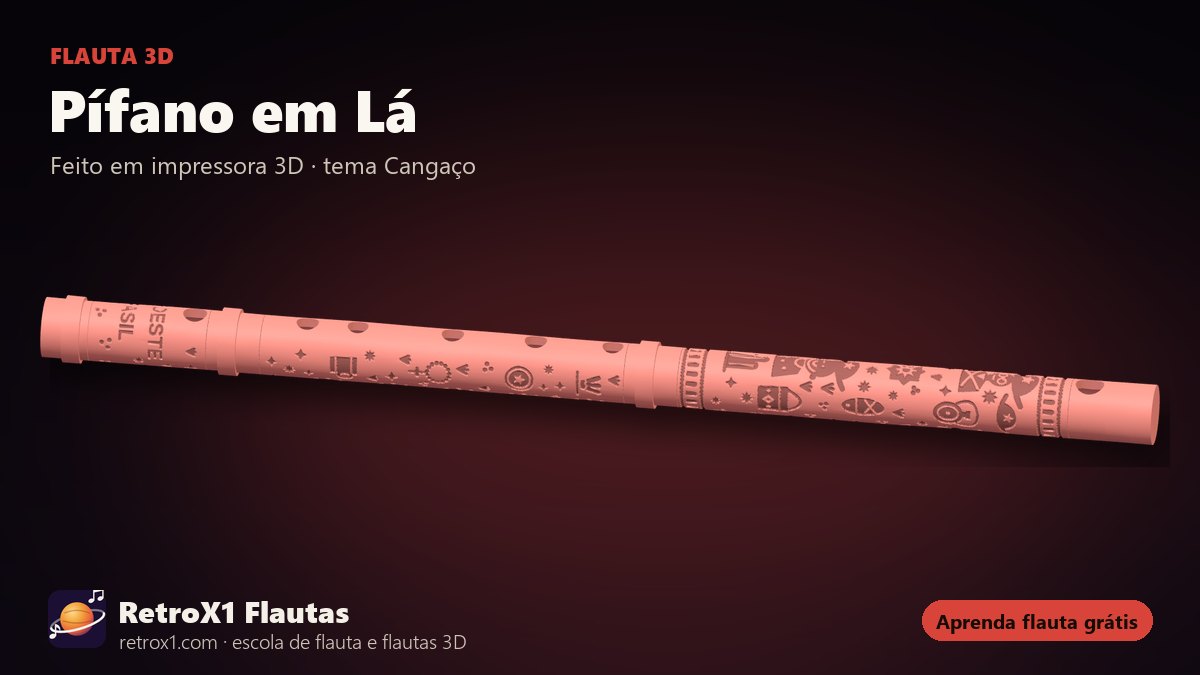
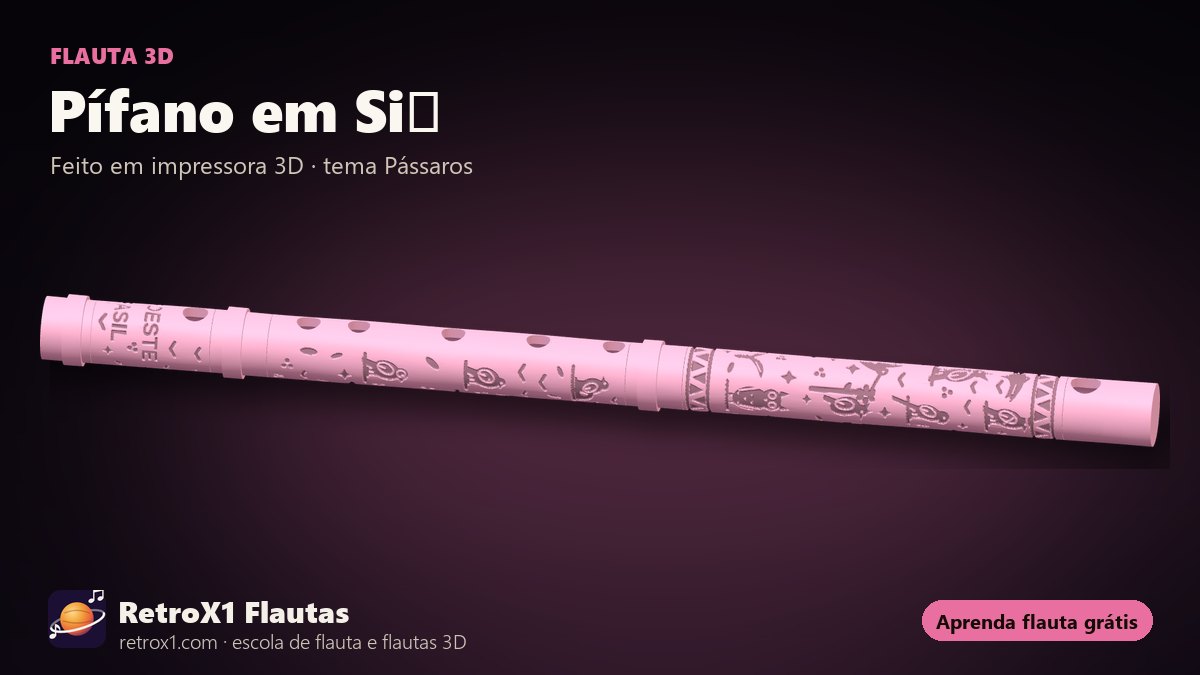
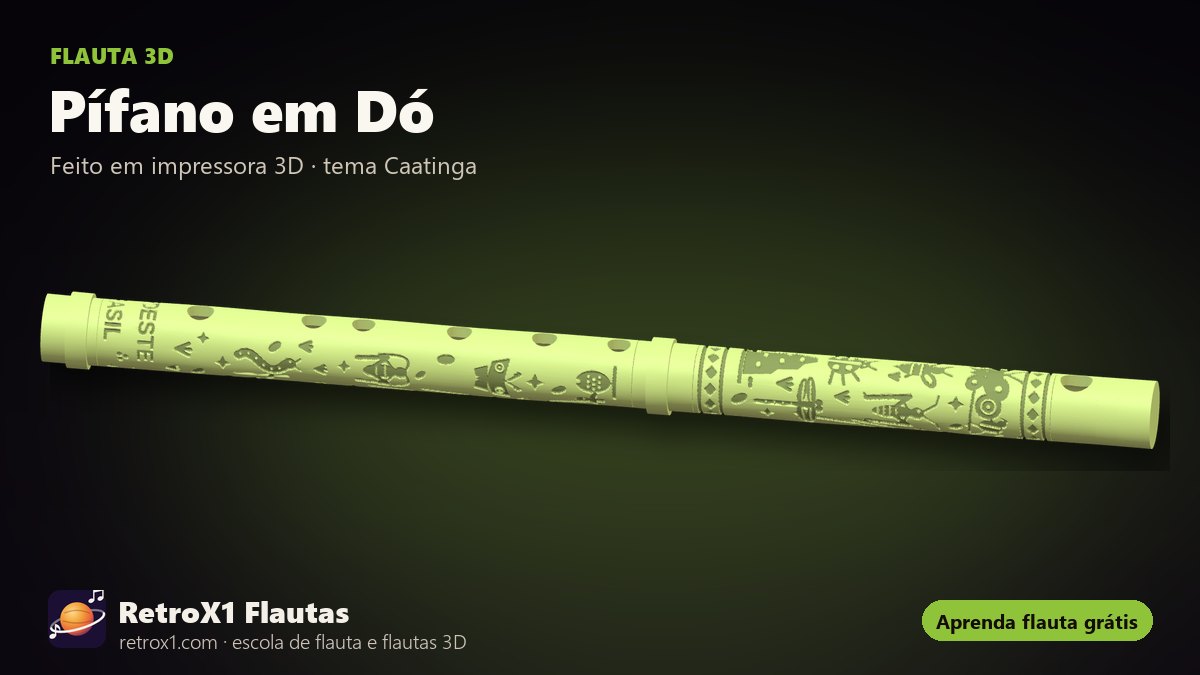
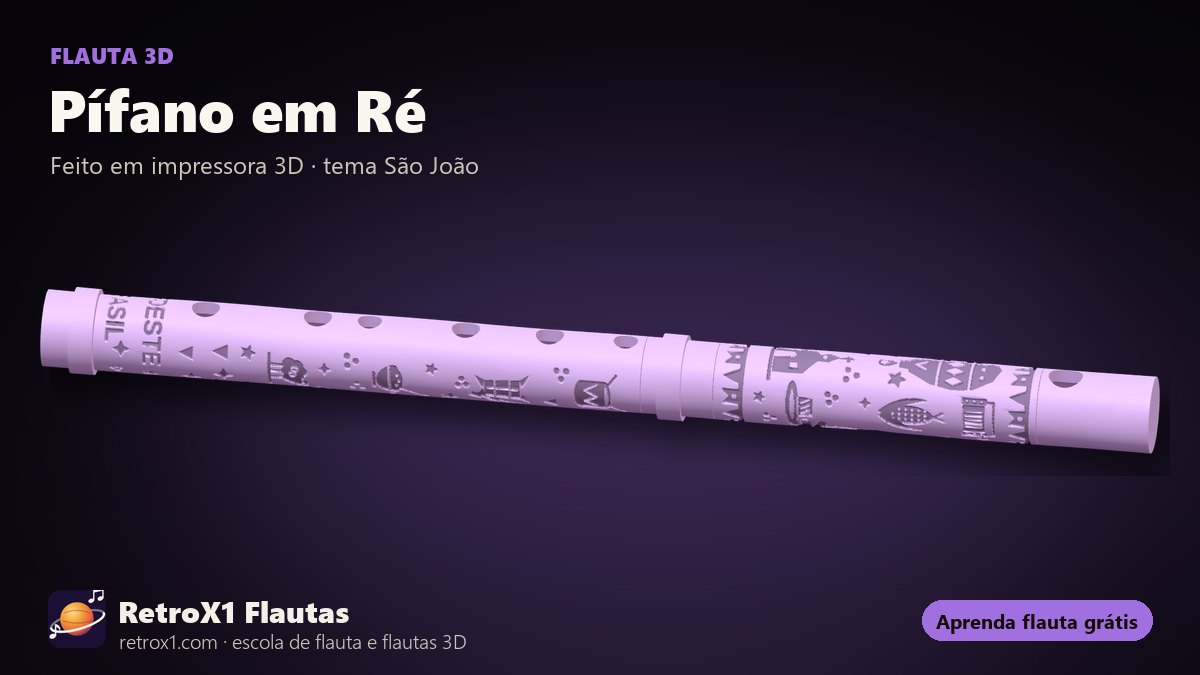
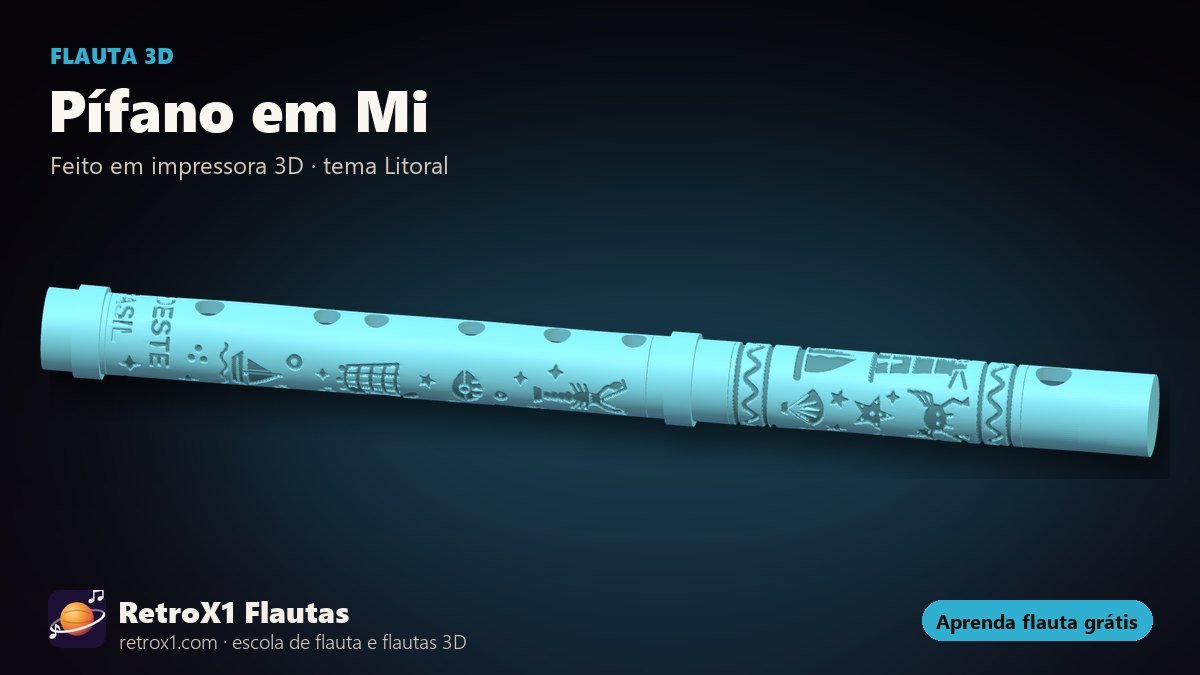
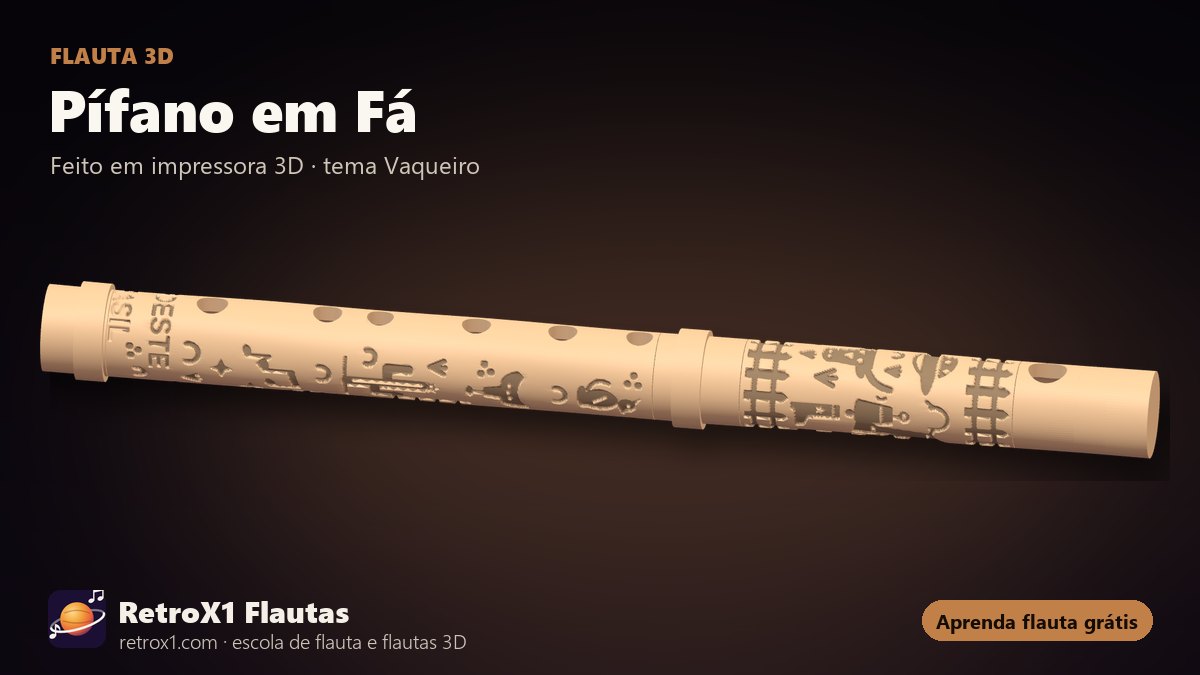
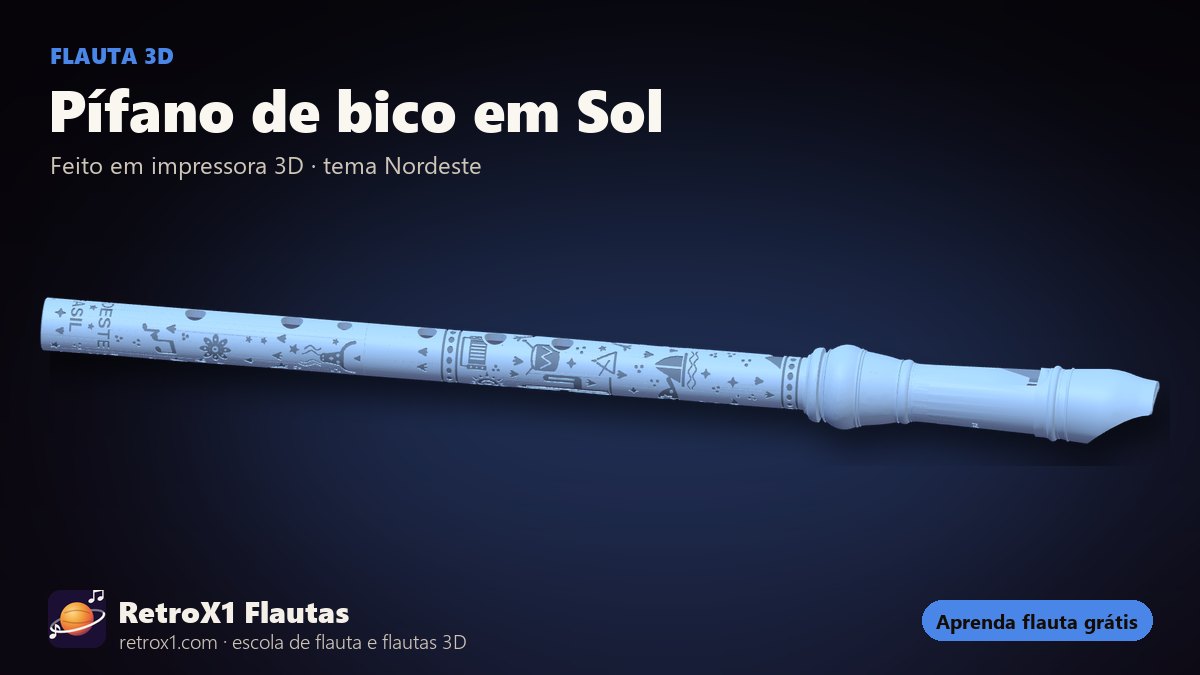
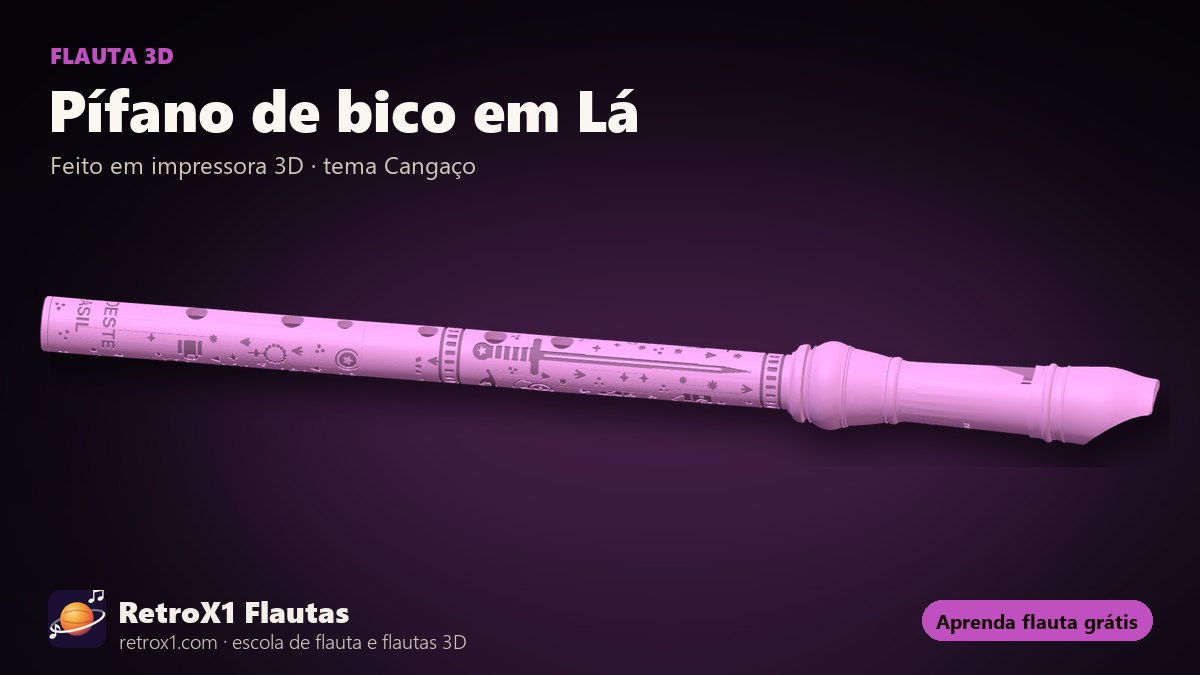
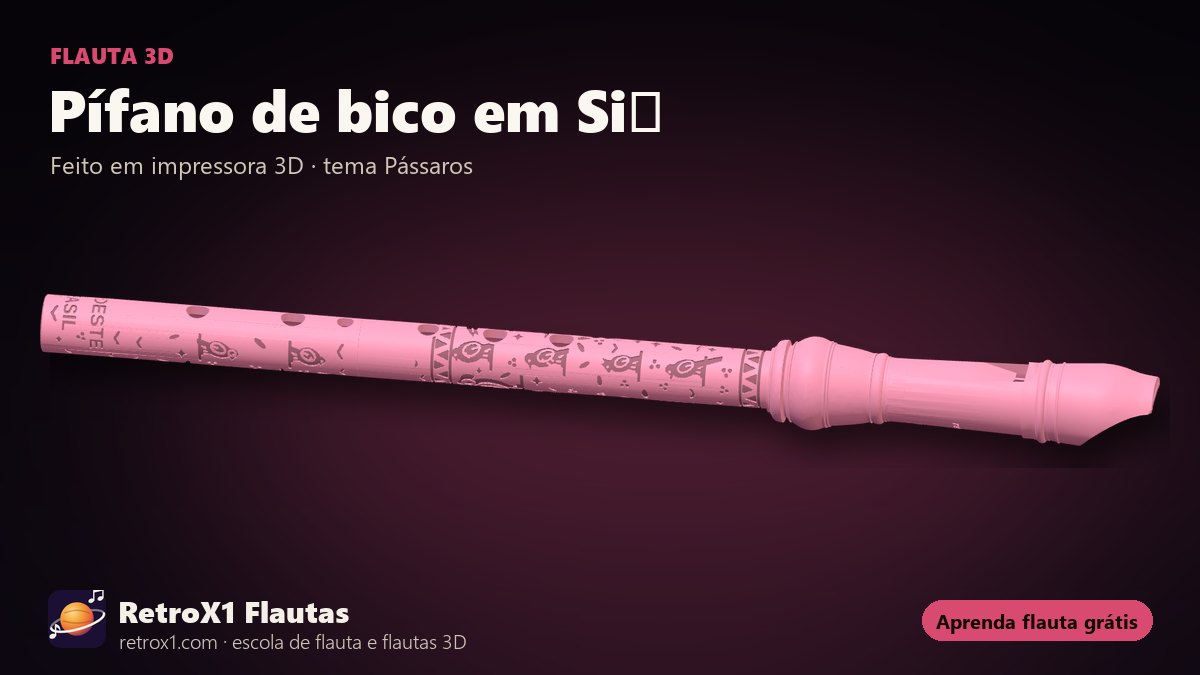
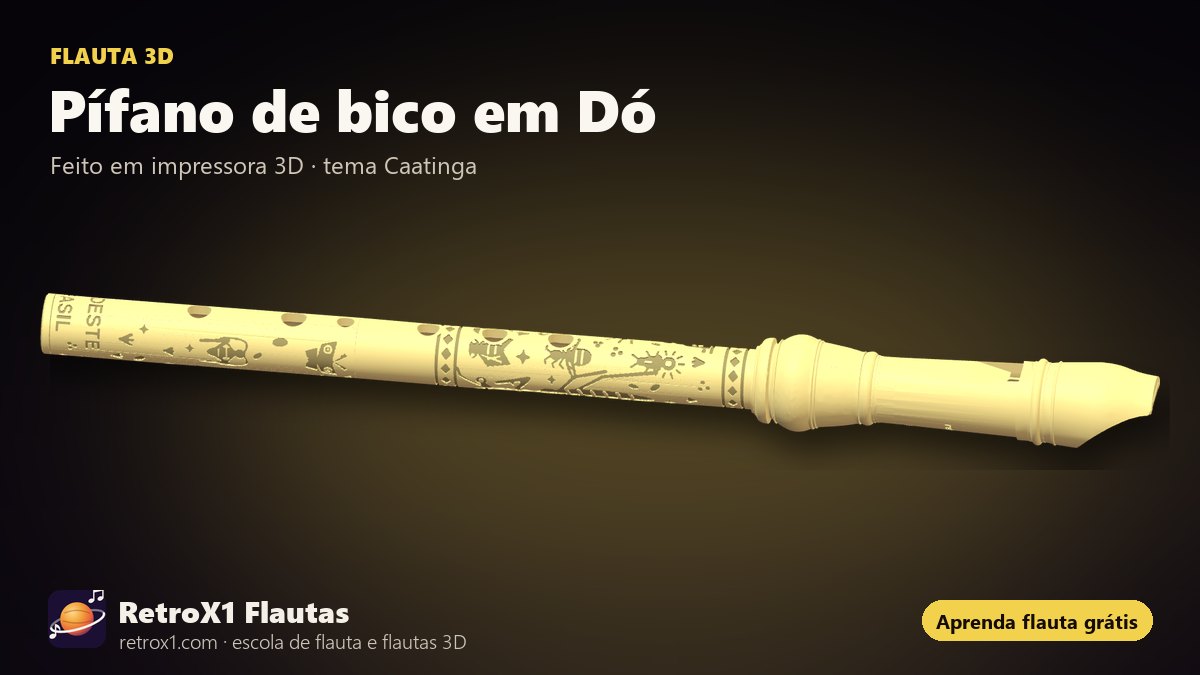
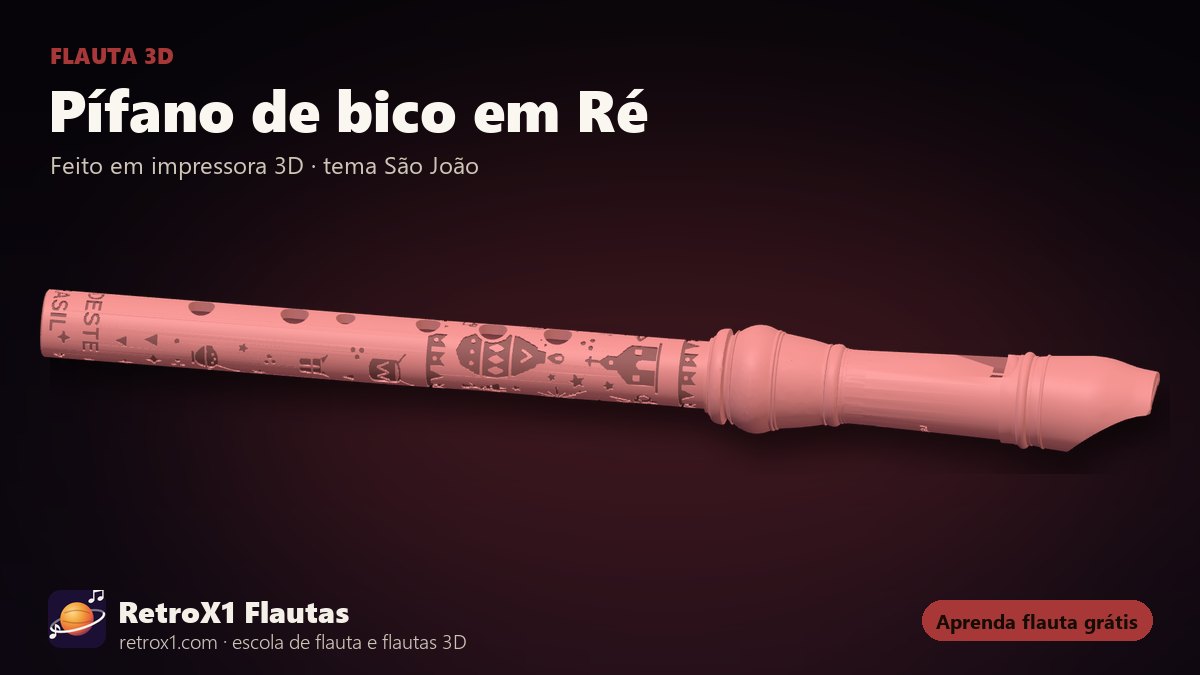
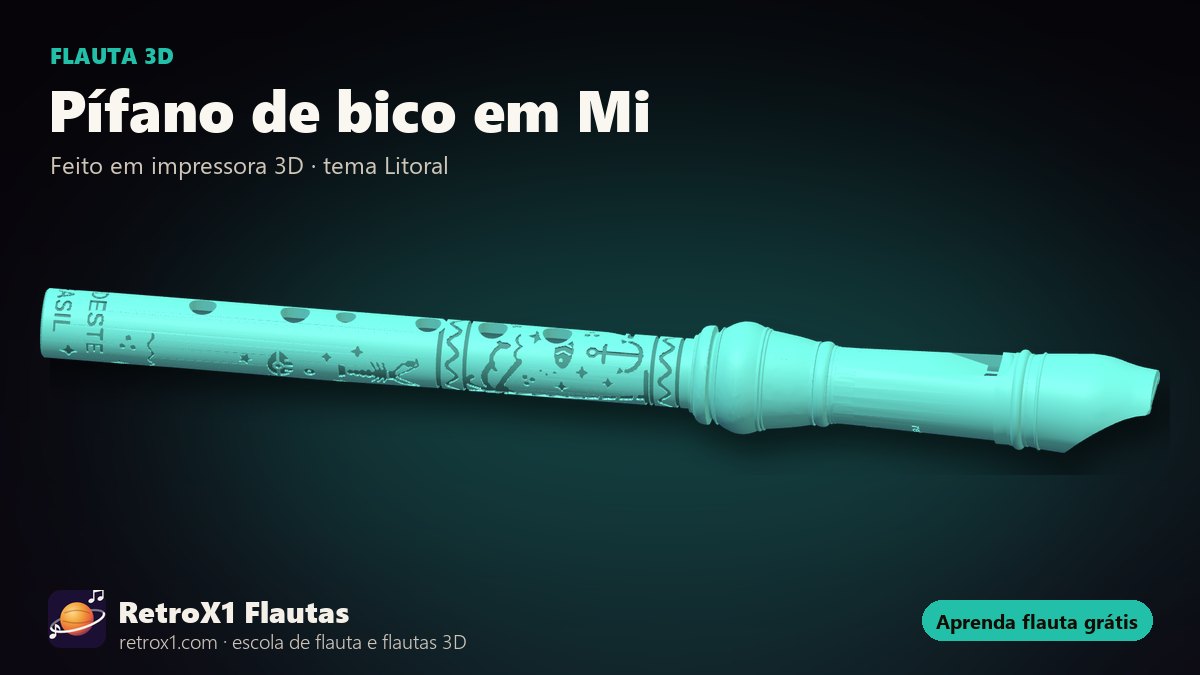
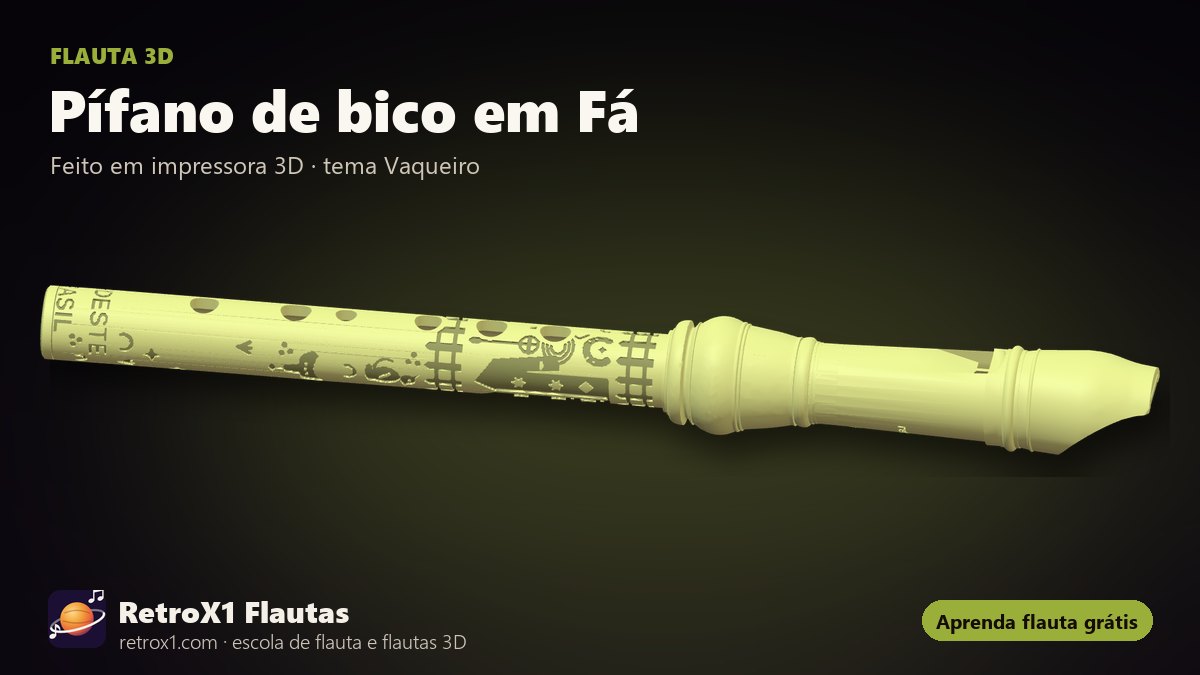
Each flute has its own fingering, scales and songs. The site shows which holes to cover under every note and lights them up on the 3D flute while the song plays.
Everything RetroX1 does
- Play in real time with the microphone — In Practice, the score waits for you to play the right note on your flute; it turns green when you hit it.
- Sheet music with fingering — Every note with the holes to cover, the note name (letter) and the 3D flute lighting up the holes.
- In your flute's key or the original — The song adapts to your flute's holes; a note outside the range shows in red.
- Score editor — Create and edit your own score with your own flute's notes: click the staff, drag notes, keys 1 to 6 for length, copy and paste, listen, save and download as MusicXML. Full screen.
- Exercises — From the first breath to advanced: long notes, scales, thirds, arpeggios, rhythm, articulation, chromatic and leaps.
- Scales and Greek modes — Ionian, Dorian, Phrygian, Lydian, Mixolydian, Aeolian and Locrian, harmonic and melodic minor, pentatonics, blues, whole-tone and Asian scales.
- Songs by category — Basic, intermediate, advanced, exercises, games, Asia and meditation, forró, choro and samba.
- Metronome, tempo and repeat — Slower or faster, with the beat click, and repeat a passage as many times as you like.
- Full screen — The score fills the whole screen, on computer and phone.
- Switch flutes without stopping — Switch to another fife or to the recorder and the same song carries on from the same place.
- Hear each flute — The real sound of each flute, note by note.
- 3D flutes — Rotate, take apart and look inside each 3D flute, in many colors.
- Tutorial — A one-minute tour shows every button, up to playing your first song.
- Free, in three languages — Portuguese, Spanish and English, on computer and phone, with no sign-up.
3D flute
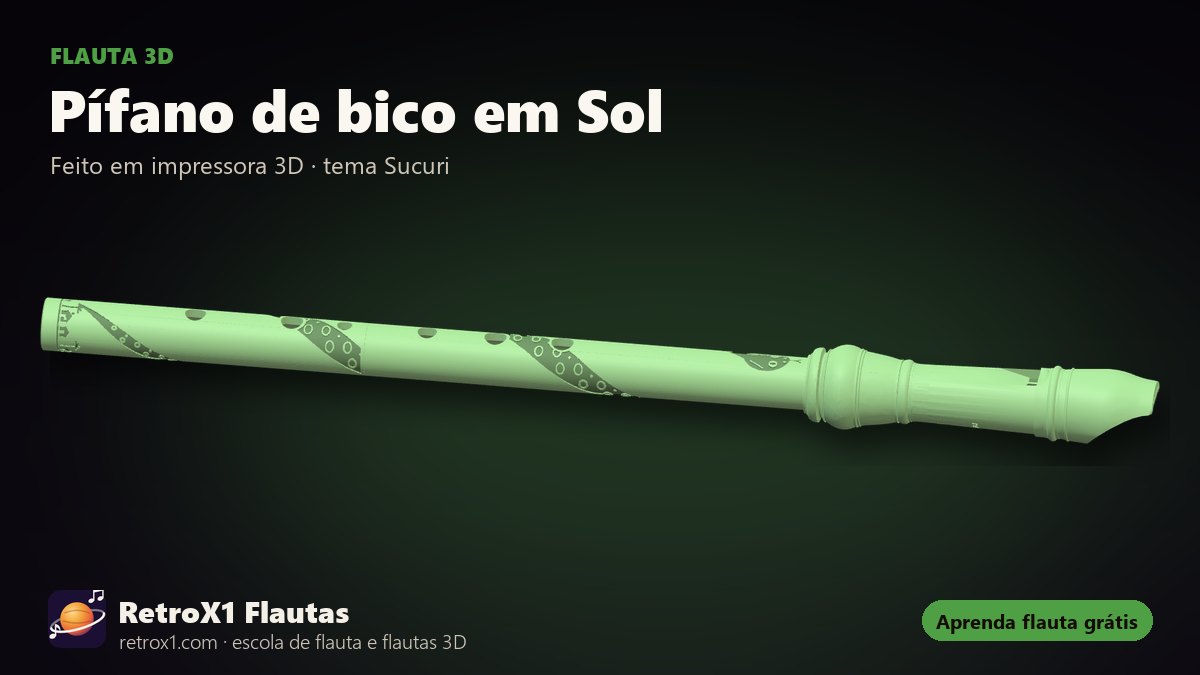
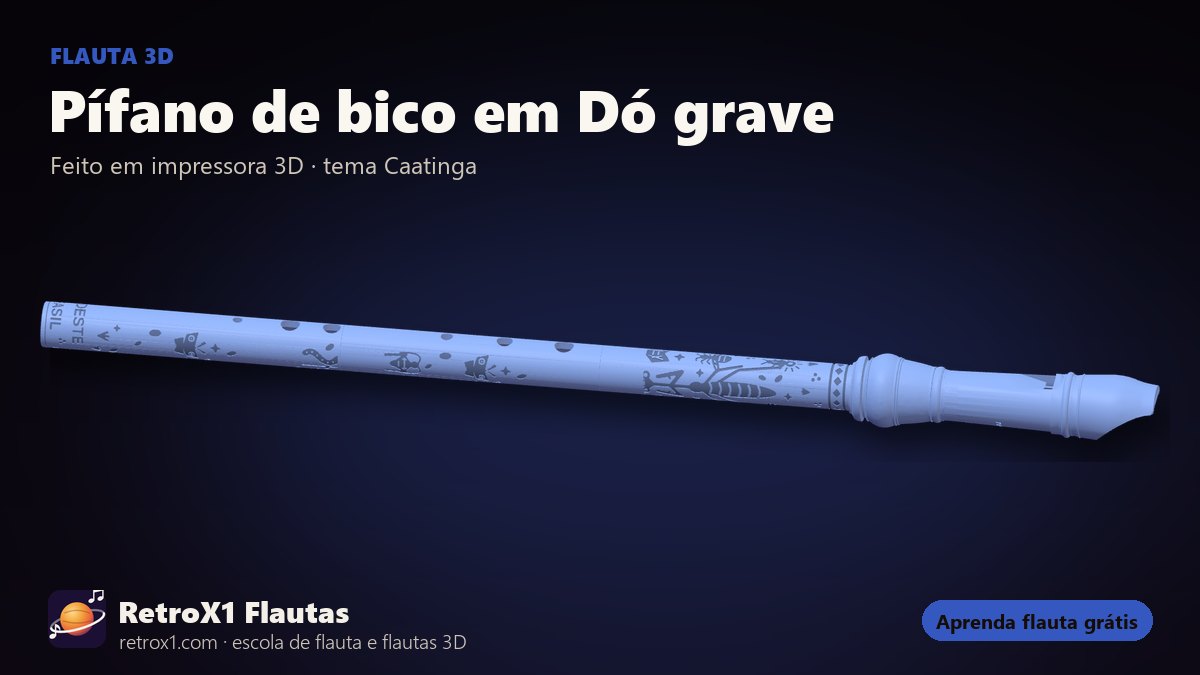
RetroX1 flutes are designed for 3D printers: the tube length and the holes are calculated with acoustics, and the drawings of the Brazilian backlands are engraved on the body. See them in 3D — inside, taken apart — on the 3D flute page.
Where to start
- Start with the recorder or the fife.
- Do the basic flute exercises.
- Read the flute sheet music and letter notes and play along, slowly.
Frequently asked questions
Is RetroX1 free?
Yes. Learning on the site is free, with no sign-up, on computer and phone.
What is Retro Flutes?
It is RetroX1: RetroX1's flute site, with recorder and fife lessons, sheet music, exercises and 3D flutes.
Which flute is best to start with?
The soprano recorder in C is the most common at school. The fife follows the same six-hole logic; the fipple fife has a recorder mouthpiece and is easier to blow.
Do I need to read music?
No. The site shows the fingering and the note name under every note; you can play by the holes and learn to read little by little.